Listicles

Embedded Analytics Tools for SaaS: Best Platforms for B2B SaaS Companies in 2026

Want to see e6data in action?

Learn how data teams power their workloads.

Get Demo
Get Demo

Building an in-house analytics engine is a notorious resource drain that often fails to scale with modern data volumes. 

Instead of sinking months of dev time into maintenance and browser compatibility, product teams are increasingly turning to specialized embedded analytics tools. 

These platforms now leverage zero-copy compute and "headless" BI architectures to deliver high-performance querying directly on top of existing data lakes. This allows for a native user experience while keeping your core engineering team focused on product innovation. 

The table below breaks down the top embedded analytics platforms for 2026

Platform Best For Key Strength Deployment Model Ideal SaaS Size
e6data High-performance, large datasets Lakehouse-native, zero-copy compute Cloud / Hybrid Enterprise / Mid-market
Looker Centralized data governance LookML semantic modeling layer Google Cloud / Hosted Enterprise
Tableau High-end visual aesthetics Industry-leading visualization library Hosted / On-prem Enterprise / Mid-market
Power BI Azure-based ecosystems Seamless Microsoft stack integration Azure Enterprise / Mid-market
Sigma Snowflake users, Excel-like UX Spreadsheet interface with warehouse power Cloud / SaaS Mid-market / Enterprise
ThoughtSpot AI-driven search analytics Natural language querying (NLQ) Cloud / SaaS Enterprise
Sisense Custom developer integrations Composable SDK and widget-level embedding Cloud / Hybrid Enterprise / Mid-market
GoodData Analytics-as-code workflows Headless BI and React SDK support Cloud / SaaS Mid-market / Enterprise
Qrvey Multi-tenant SaaS applications Built-in data lake and flat-rate pricing AWS / SaaS SMB / Mid-market
Metabase Rapid deployment, self-service Fast setup and intuitive visual builder Self-hosted / Cloud SMB / Mid-market
Superset Open-source customization Zero licensing fees and SQL flexibility Self-hosted Enterprise / Mid-market
Mode Data science-heavy products SQL, Python, and R notebook integration Cloud / SaaS Mid-market

What to Look for in Embedded Analytics Tools for SaaS

Choosing a platform is as much about the architecture as the visuals. These are the technical criteria that will determine if a tool can scale with your product.

  • Embedding Flexibility
    • You shouldn't have to overhaul your UI to fit an analytics tool. Older systems rely on clunky iframes that feel like an external window inside your app. Modern platforms provide native web components and SDKs. These allow you to render charts as if they were native elements of your own code, supporting your existing design system and allowing for smooth interactions.
  • API-First Architecture
    • A "headless" approach is vital for any engineering-heavy product team. This means the data engine is separate from the presentation layer. You should be able to manage your metrics and models as code, version control them, and deploy updates through your standard CI/CD pipelines.
  • Multi-Tenant SaaS Support
    • The tool must handle thousands of different customer organizations while keeping their data strictly isolated. You need the ability to provision new clients and update their permissions programmatically.
  • Row-Level Security
    • Row-level security (RLS) ensures that when a user from Company A logs in, they only see their own data. The analytics tool must connect directly to your application's authentication system to ensure these permissions are always in sync.
  • Scalability and Performance at Scale
    • Reporting is a heavy lift for any server. As your user base grows, the engine has to handle massive concurrency without slowing down. If 200 users run heavy reports at once, the app should remain responsive. This is why looking at how a tool handles compute—like the "atomic" scaling found in e6data—is so important.
  • Customization and White Labeling
    • To maintain brand integrity, the analytics must be invisible. You need to be able to change colors, fonts, and interaction styles to match your design system perfectly. Your users should feel like they are using a single, cohesive product.

Best Embedded Analytics Tools for SaaS

The following selection highlights the platforms currently leading the market, ranging from high-performance infrastructure to easy-to-deploy visualizers.

e6data
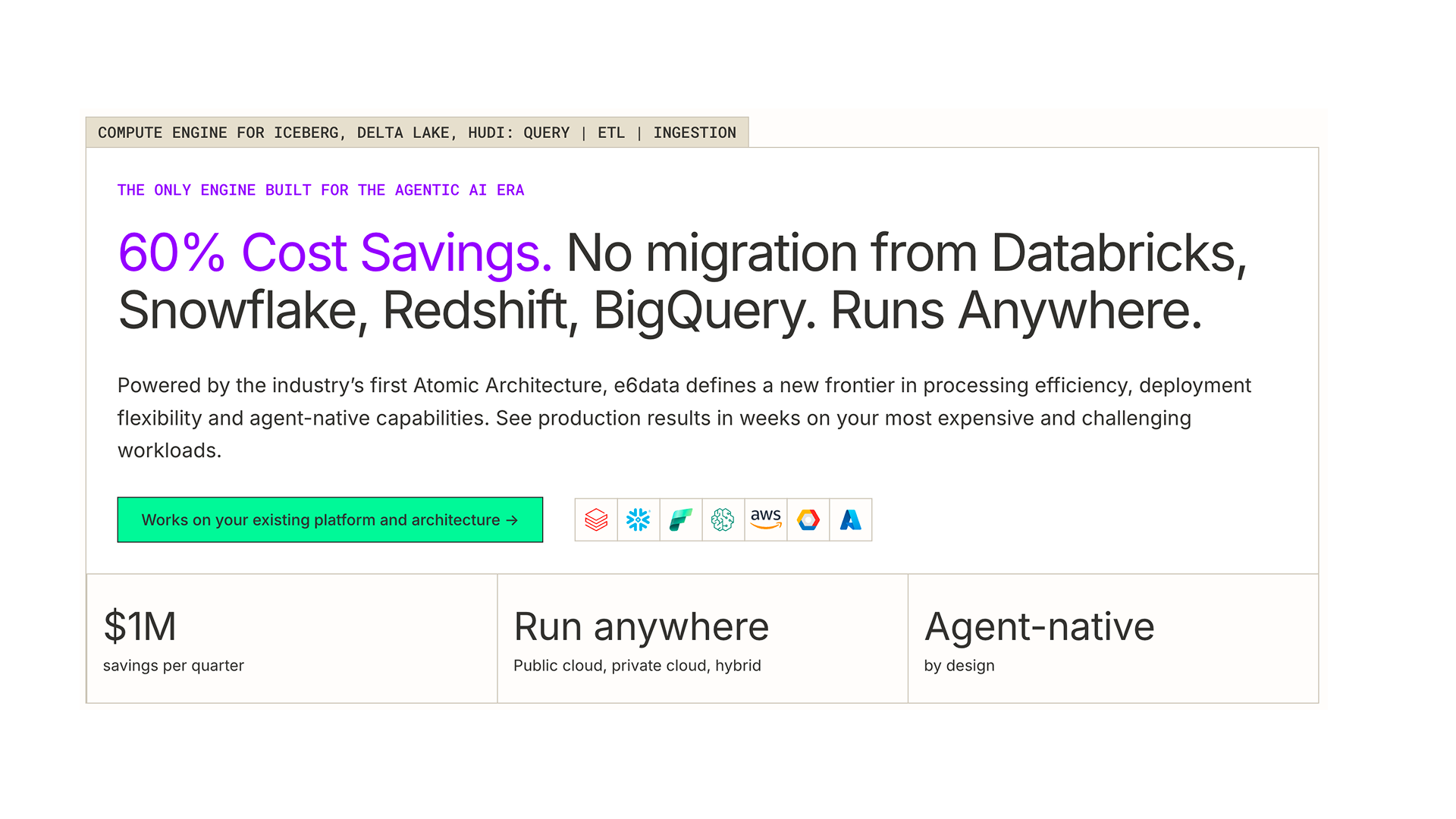
e6data is a high-performance compute engine designed for companies that have outgrown traditional BI tools. It functions as a real-time analytics layer that sits directly on top of your data lakehouse. 

What makes e6data different is its "atomic architecture." 

Much like how software monoliths were broken into microservices, e6data breaks the compute engine into granular services that scale independently. 

If your users are running heavy text-searches, only the text-processing service scales up, saving you massive cloud costs compared to traditional warehouses like Snowflake.

Key Features

  • Atomic architecture that scales compute services independently to handle traffic spikes.
  • Multi-dialect SQL compiler that supports Snowflake, BigQuery, and Databricks syntax.
  • Zero-copy compute that eliminates the need for data migration or extraction.
  • "German Strings" memory optimization, delivering sub-second query performance even on massive text datasets.

Pros

  • Fastest query performance currently available for large-scale data.
  • No data movement required; it works with your existing stack.
  • Drastic reduction in underlying warehouse compute spend.

Best For: Enterprise SaaS companies with huge datasets that need to lower compute costs by 50% or more without sacrificing speed.

Looker (Google Cloud)
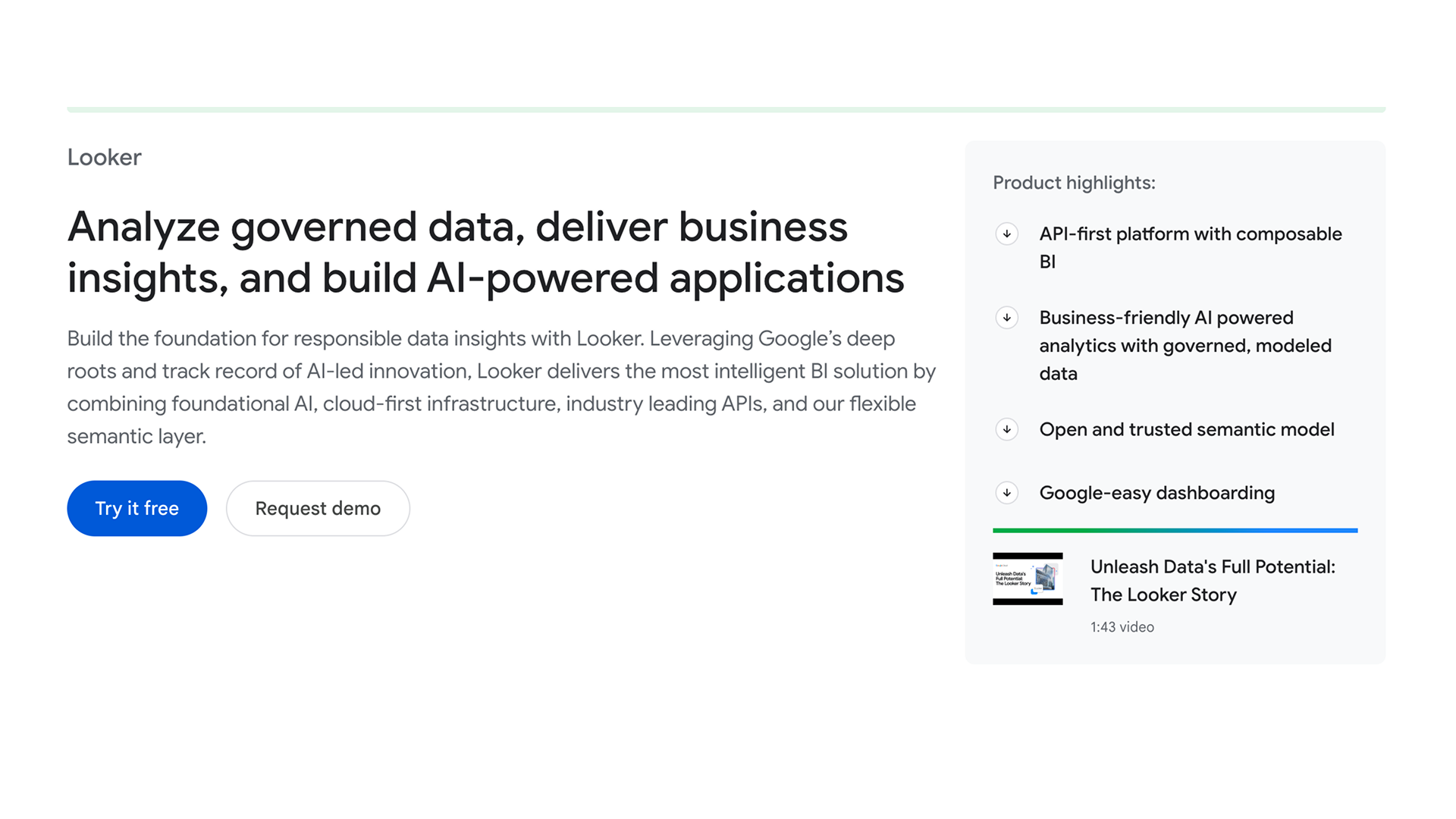
Image credits: Google Cloud - Looker

Looker is known for its semantic layer, LookML. This allows you to define your metrics [like "Annual Recurring Revenue"] in one place. This ensures that every report across your entire customer base uses the same logic, preventing data discrepancies.

Key Features

  • LookML for centralized data modeling and consistency.
  • Direct integration with BigQuery and the Google Cloud ecosystem.
  • Powerful APIs for building custom "headless" analytics experiences.

Pros

  • Guarantees that all users see the same, verified data logic.
  • Highly reliable as a part of the Google Cloud stack.

Best For: Large enterprises that prioritize data governance and consistent metrics.

Tableau Embedded
Image credits: Tableau (from Salesforce)

Tableau remains the gold standard for visual design. If your product’s value proposition relies on beautiful, highly interactive charts, Tableau is a strong choice. It offers a level of visual customization that most other tools can't match.

Key Features

  • VizQL engine for high-end visual aesthetics.
  • Tableau Agent (formerly Einstein) for AI-driven insights.
  • An interactive "playground" for developers to test code before deployment.

Pros

  • Unmatched flexibility in how charts look and behave.
  • A massive ecosystem of templates and community support.

Best For: Products that want a highly polished, visual-first data experience.

Power BI Embedded
Image credits: Microsoft Power BI

For companies already using Microsoft Azure, Power BI is often the most logical path. It offers capacity-based pricing, which means you pay for the hardware you use rather than a fee for every individual user.

Key Features

  • Tight integration with Microsoft Fabric and Azure Active Directory.
  • Copilot AI for natural language reporting.
  • Predictable node-based pricing for scaling.

Pros

  • Highly cost-effective for large user bases.
  • Familiar interface for users accustomed to the Microsoft ecosystem.

Best For: Azure-centric SaaS platforms targeting the Microsoft enterprise market.

Sigma Computing
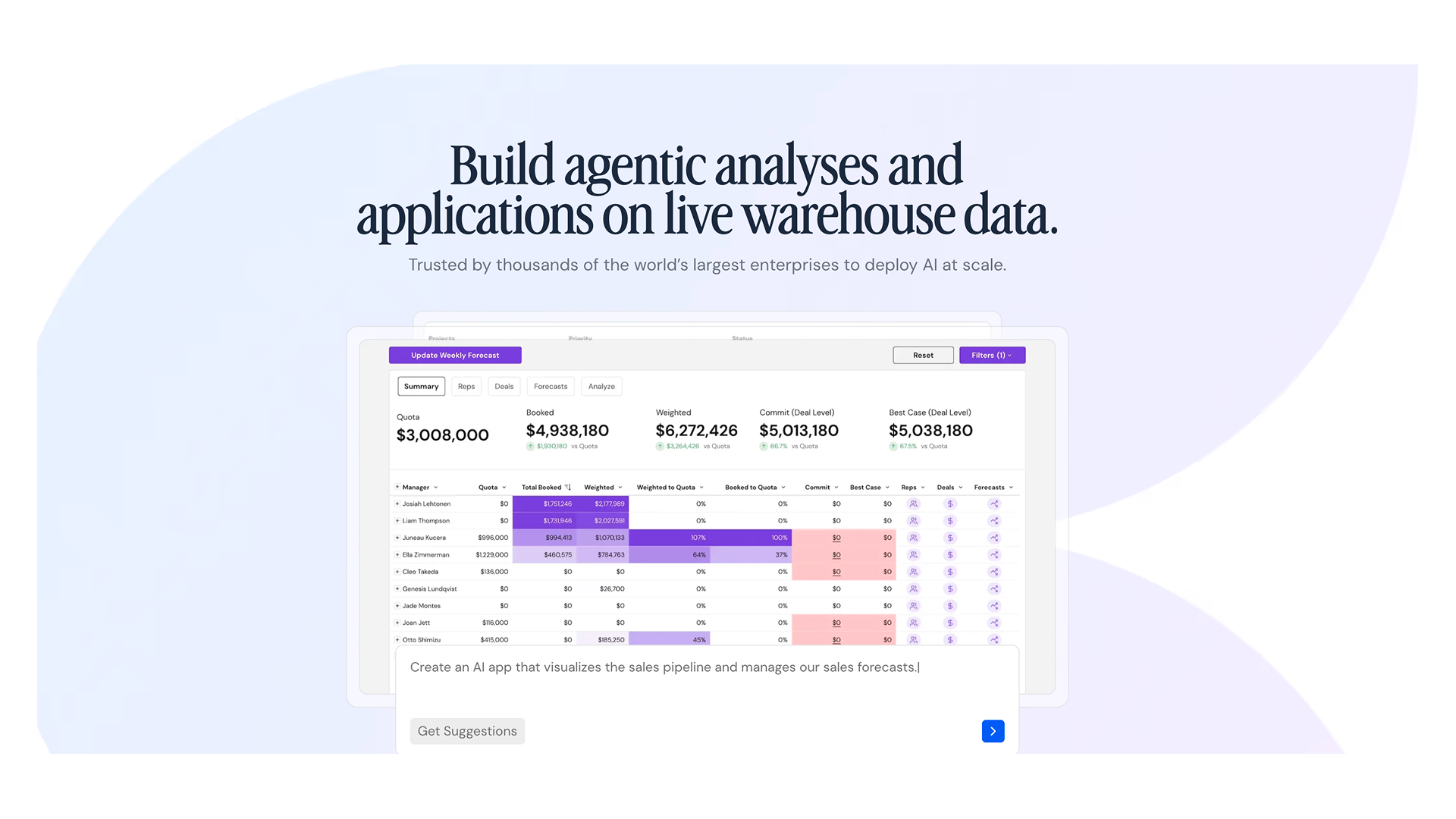
Image credits: Sigma Computing

Sigma provides a spreadsheet-like interface that runs directly on top of your cloud data warehouse. It is ideal for users who are comfortable with Excel but need the power of a modern data warehouse.

Key Features

  • Spreadsheet UI that users can pick up instantly.
  • "Input Tables" that allow users to write data back to the warehouse.
  • Live connectivity that ensures data is always fresh.

Pros

  • Very easy for business users to adopt.
  • No data extraction; it queries your warehouse directly.

Best For: SaaS products with users who want to manipulate and "work" the data themselves.

ThoughtSpot
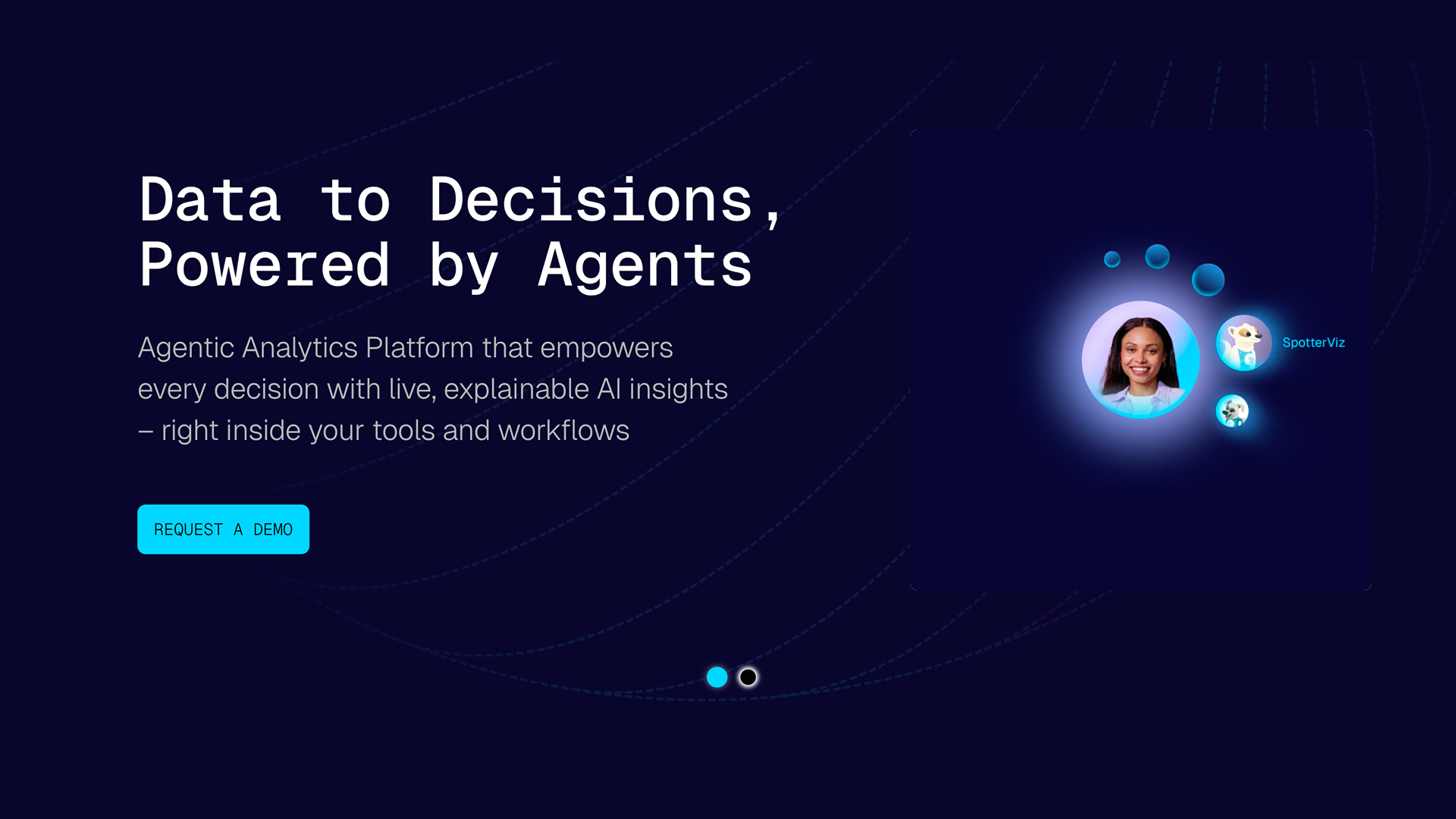
Image credits: ThoughtSpot

ThoughtSpot focuses on search-driven analytics. Instead of clicking through menus, users type questions like "What was the highest-grossing region last month?" and get an answer instantly.

Key Features

  • Search-driven interface powered by natural language processing.
  • SpotIQ for automated anomaly detection.
  • Live queries that pull data directly from your warehouse.

Pros

  • High engagement because users don't have to learn how to navigate dashboards.
  • Great for finding insights that aren't visible in static charts.

Best For: Products that want to give users a conversational analyst experience.

Sisense
Image credits: Sisense

Sisense is built for developers who want to embed specific analytics components rather than just full pages. Its SDK allows you to drop individual charts or filters directly into your native UI.

Key Features

  • Compose SDK for component-level embedding.
  • Highly customizable white-labeling options.
  • Multi-tenant architecture designed for massive data isolation.

Pros

  • Great flexibility for creating a "native" feel.
  • Strong security features for enterprise clients.

Best For: Engineering teams building custom, integrated data workflows.

GoodData
Image credits: GoodData

GoodData is a pioneer in "analytics as code." It is designed for modern engineering teams that want to manage their analytics with the same tools they use for their main application.

Key Features

  • Headless BI architecture that separates logic from visuals.
  • Support for modern React-based development.
  • Automated management for rolling out updates across thousands of clients.

Pros

  • Fits perfectly into an automated deployment pipeline.
  • Highly scalable for large numbers of customers.

Best For: Teams that want to manage analytics through CI/CD and APIs.

Qrvey
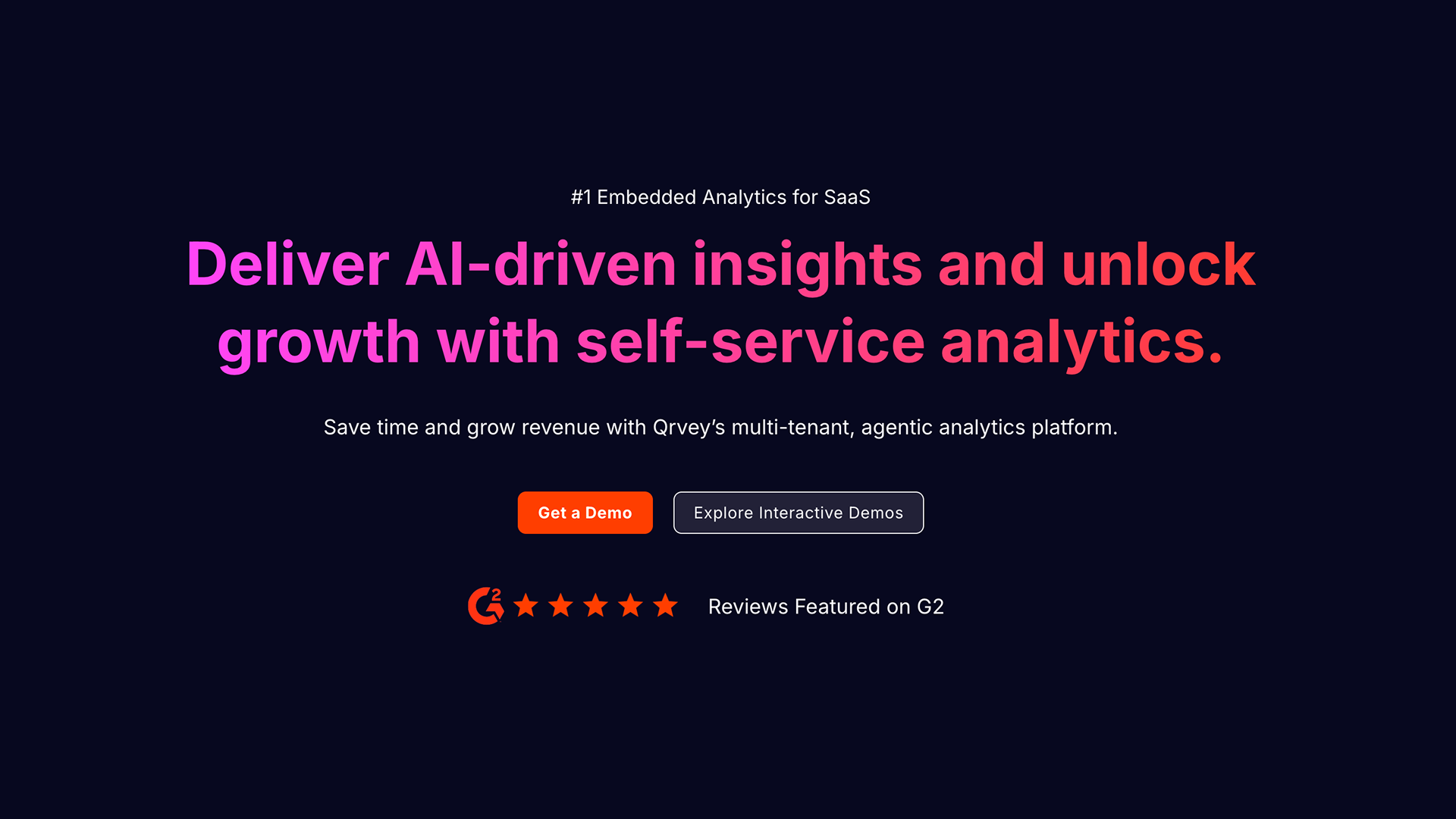
Image credits: Qrvey

Qrvey is a full-stack platform built specifically for multi-tenant SaaS. It includes its own data layer, which helps lower your overall cloud infrastructure costs.

Key Features

  • Built-in data lake powered by Elasticsearch.
  • Pure JavaScript widgets that avoid iframe issues.
  • Simple flat-rate pricing.

Pros

  • Costs stay flat even as you add more users.
  • Simplifies the stack by providing the storage and the visuals.

Best For: High-growth SaaS companies that need predictable costs.

Metabase
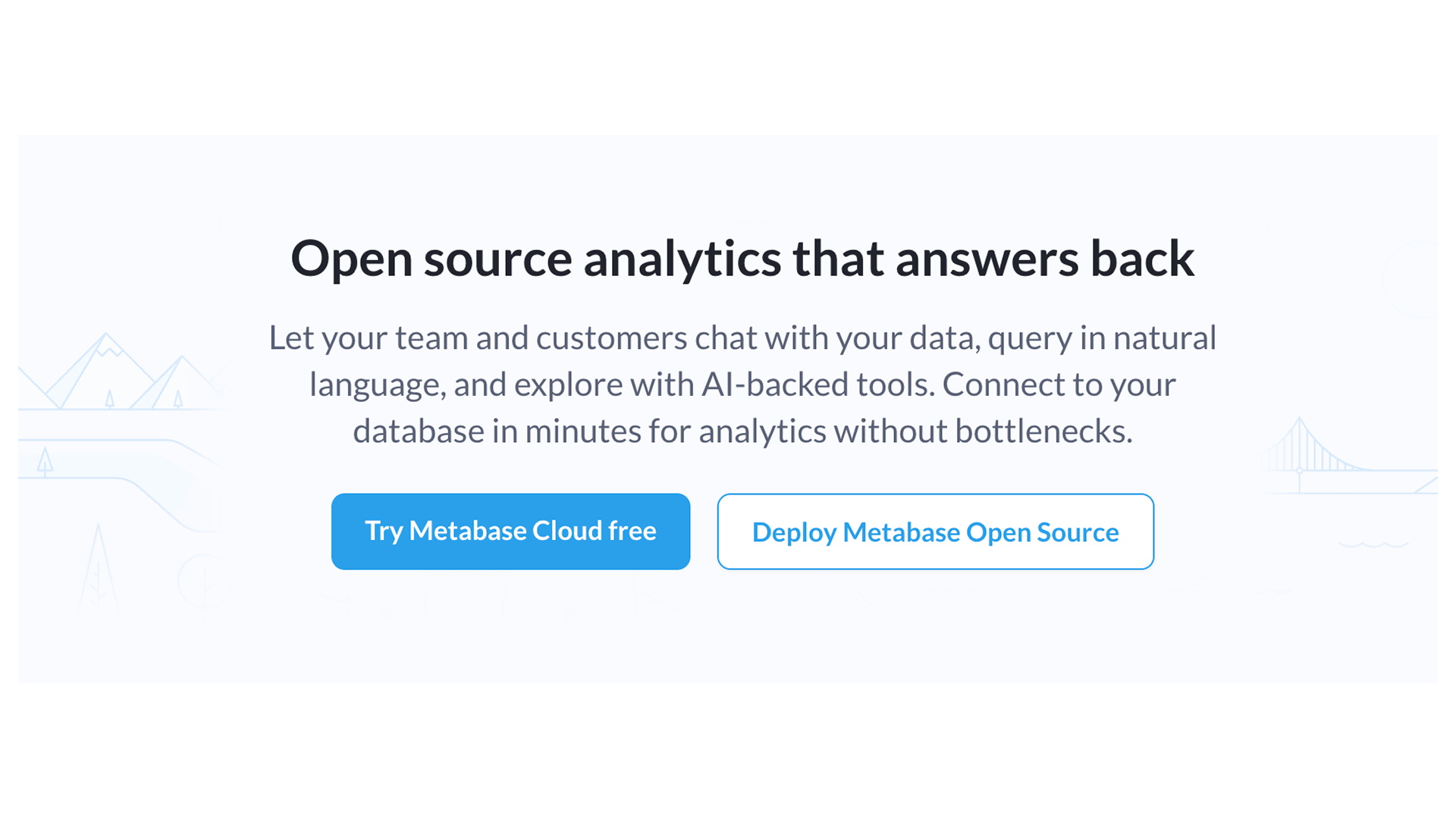
Image credits: Metabase

Metabase is widely used because it is simple and fast. It is an open-source tool that lets you build and embed dashboards with very little effort.

Key Features

  • Intuitive "Question" builder for non-technical users.
  • Open-source and cloud-hosted versions available.
  • AI assistant for generating SQL queries.

Pros

  • One of the fastest ways to go from zero to a live dashboard.
  • Very affordable and transparent pricing.

Best For: Startups and mid-market companies that need a reporting feature today.

Superset (Apache)
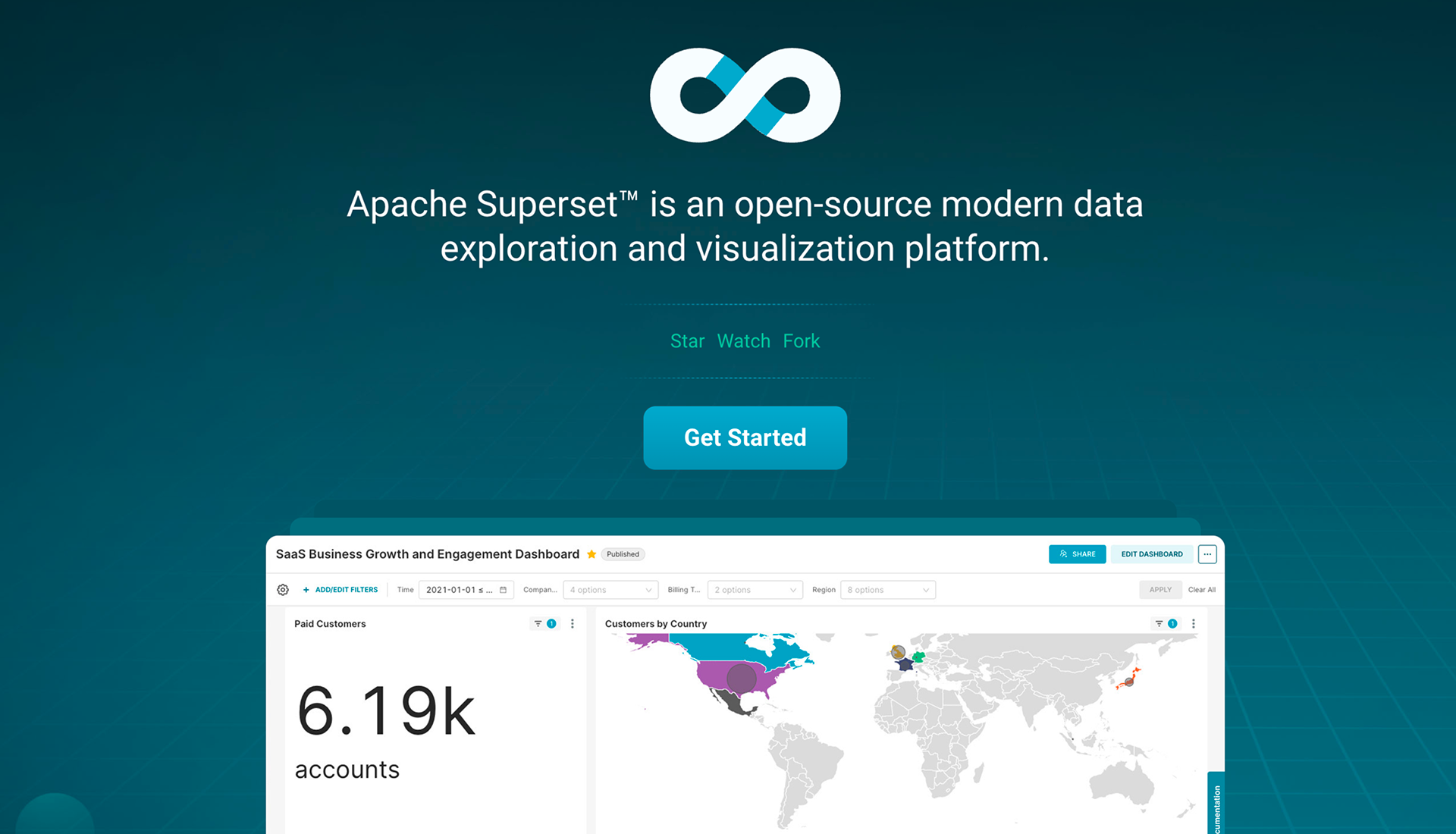
Image credits: Superset (by Apache)

Superset is the open-source choice for teams that want total control. Originally developed at Airbnb, it is designed to handle massive scale without any licensing costs.

Key Features

  • Deep SQL flexibility for advanced queries.
  • Extensible architecture for building custom visuals.
  • Connects to dozens of different data sources.

Pros

  • Zero software licensing fees.
  • Total control over the codebase and security.

Best For: Technical teams that want to own their stack and avoid vendor lock-in.

Mode
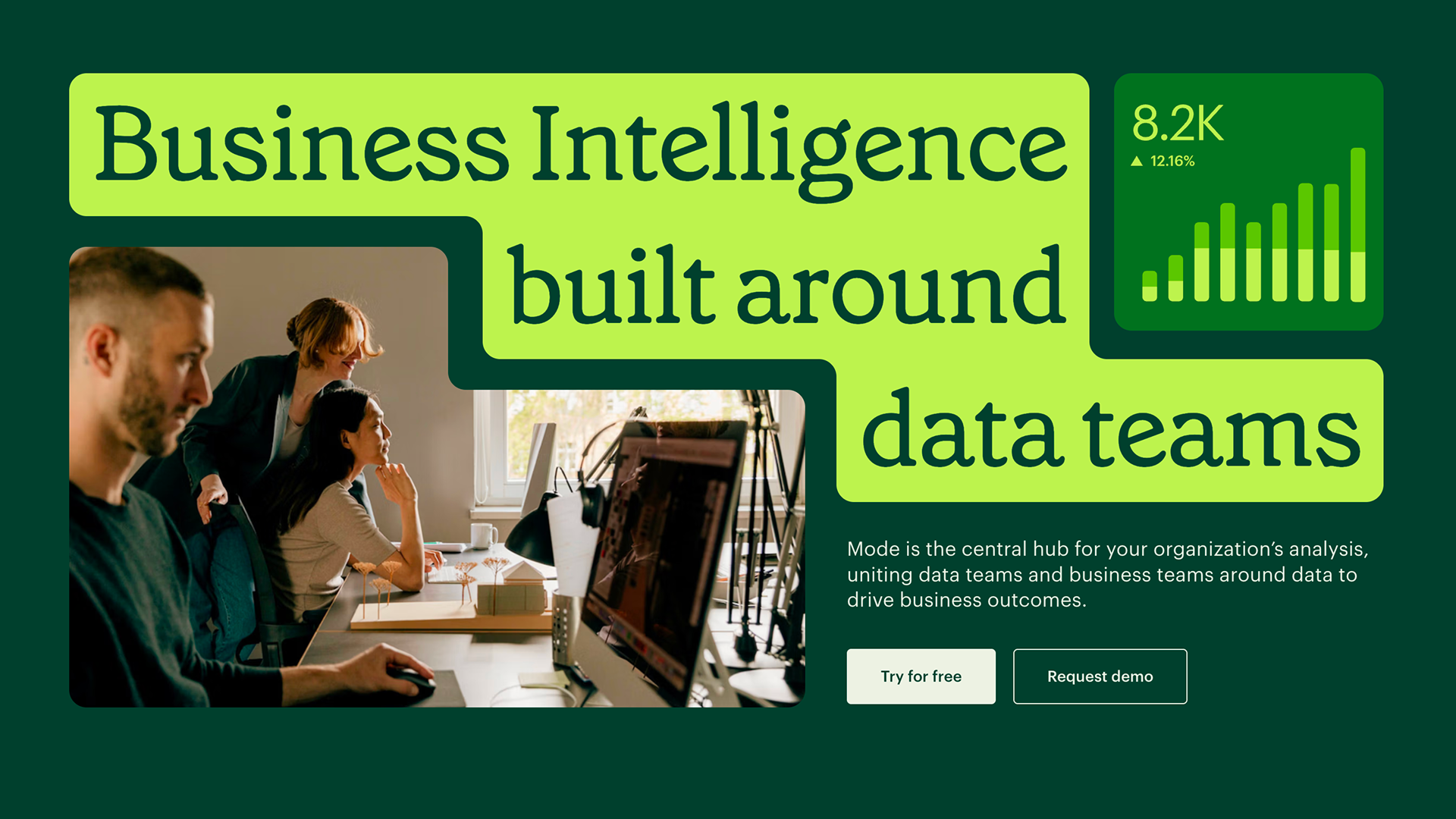
Image credits: Mode

Mode is designed for data teams who work in SQL and Python. It allows you to build complex analytical models and then quickly turn them into embedded dashboards for your customers.

Key Features

  • Integrated Python and R notebooks for data science.
  • Collaborative SQL workspace.
  • In-memory engine for fast filtering.

Pros

  • Best-in-class tools for SQL-heavy teams.
  • Very easy to share complex models with end-users.

Best For: Platforms where the users are technical or need data-science-level insights.

Embedded Analytics for Enterprise vs SMB SaaS

The requirements for your analytics will change depending on who you sell to.

For SMB SaaS, the focus is usually on speed and simplicity. Your users don't have their own data analysts, so they need pre-built reports that are easy to understand. Pricing is also critical here; a per-user license will eat into your margins as you grow. Tools like Metabase or Qrvey are often the best fit.

For Enterprise SaaS, the stakes are higher. These clients care about security, compliance (like SOC2 or HIPAA), and the ability to integrate your data into their own internal systems. They also have much larger datasets, making query performance a primary concern. High-performance engines like e6data or governed platforms like Looker are much better suited for these environments.

Embedded Analytics vs Building In-House

The choice to build or buy is a major turning point for any SaaS product. While building in-house might seem like it offers the most control, it is often an engineering trap.

Building a proprietary engine from scratch takes months of work. During that time, your team isn't building the core features that actually sell your product. You also have the hidden cost of maintenance; you'll have to keep fixing browser bugs, optimizing slow queries, and trying to build AI features just to keep up.

By using a modern SDK or an API-first platform, you can still get the "custom" feel of a built-in tool without the massive long-term bill.

Conclusion

As datasets grow and user expectations rise, static tables are no longer enough. The market is shifting away from clunky iframes and toward high-performance, lakehouse-native architectures that provide real-time intelligence without slowing down the application.

Selecting the right tool depends on balancing your engineering resources against your customer’s needs. 

Whether you need the massive processing power of e6data or the rapid deployment of Metabase, the right choice will help you lower churn and turn your raw data into a competitive advantage.
Share on

Build future-proof data products

Try e6data for your heavy workloads!

Get Started for Free
Frequently asked questions (FAQs)
How do I integrate e6data with my existing data infrastructure?

We are universally interoperable and open-source friendly. We can integrate across any object store, table format, data catalog, governance tools, BI tools, and other data applications.

How does billing work?

We use a usage-based pricing model based on vCPU consumption. Your billing is determined by the number of vCPUs used, ensuring you only pay for the compute power you actually consume.

What kind of file formats does e6data support?

We support all types of file formats, like Parquet, ORC, JSON, CSV, AVRO, and others.

What kind of performance improvements can I expect with e6data?

e6data promises a 5 to 10 times faster querying speed across any concurrency at over 50% lower total cost of ownership across the workloads as compared to any compute engine in the market.

What kinds of deployment models are available at e6data ?

We support serverless and in-VPC deployment models. 

How does e6data handle data governance rules?

We can integrate with your existing governance tool, and also have an in-house offering for data governance, access control, and security.

Table of contents:
Listen to the full podcast
Apple Podcasts
Spotify

Subscribe to our newsletter - Data Engineering ACID

Get 3 weekly stories around data engineering at scale that the e6data team is reading.
Thank you! Your submission has been received!
Oops! Something went wrong while submitting the form.
Share this article

Embedded Analytics Tools for SaaS: Best Platforms for B2B SaaS Companies in 2026

April 21, 2026
/
e6data Team
Listicles

Building an in-house analytics engine is a notorious resource drain that often fails to scale with modern data volumes. 

Instead of sinking months of dev time into maintenance and browser compatibility, product teams are increasingly turning to specialized embedded analytics tools. 

These platforms now leverage zero-copy compute and "headless" BI architectures to deliver high-performance querying directly on top of existing data lakes. This allows for a native user experience while keeping your core engineering team focused on product innovation. 

The table below breaks down the top embedded analytics platforms for 2026

Platform Best For Key Strength Deployment Model Ideal SaaS Size
e6data High-performance, large datasets Lakehouse-native, zero-copy compute Cloud / Hybrid Enterprise / Mid-market
Looker Centralized data governance LookML semantic modeling layer Google Cloud / Hosted Enterprise
Tableau High-end visual aesthetics Industry-leading visualization library Hosted / On-prem Enterprise / Mid-market
Power BI Azure-based ecosystems Seamless Microsoft stack integration Azure Enterprise / Mid-market
Sigma Snowflake users, Excel-like UX Spreadsheet interface with warehouse power Cloud / SaaS Mid-market / Enterprise
ThoughtSpot AI-driven search analytics Natural language querying (NLQ) Cloud / SaaS Enterprise
Sisense Custom developer integrations Composable SDK and widget-level embedding Cloud / Hybrid Enterprise / Mid-market
GoodData Analytics-as-code workflows Headless BI and React SDK support Cloud / SaaS Mid-market / Enterprise
Qrvey Multi-tenant SaaS applications Built-in data lake and flat-rate pricing AWS / SaaS SMB / Mid-market
Metabase Rapid deployment, self-service Fast setup and intuitive visual builder Self-hosted / Cloud SMB / Mid-market
Superset Open-source customization Zero licensing fees and SQL flexibility Self-hosted Enterprise / Mid-market
Mode Data science-heavy products SQL, Python, and R notebook integration Cloud / SaaS Mid-market

What to Look for in Embedded Analytics Tools for SaaS

Choosing a platform is as much about the architecture as the visuals. These are the technical criteria that will determine if a tool can scale with your product.

  • Embedding Flexibility
    • You shouldn't have to overhaul your UI to fit an analytics tool. Older systems rely on clunky iframes that feel like an external window inside your app. Modern platforms provide native web components and SDKs. These allow you to render charts as if they were native elements of your own code, supporting your existing design system and allowing for smooth interactions.
  • API-First Architecture
    • A "headless" approach is vital for any engineering-heavy product team. This means the data engine is separate from the presentation layer. You should be able to manage your metrics and models as code, version control them, and deploy updates through your standard CI/CD pipelines.
  • Multi-Tenant SaaS Support
    • The tool must handle thousands of different customer organizations while keeping their data strictly isolated. You need the ability to provision new clients and update their permissions programmatically.
  • Row-Level Security
    • Row-level security (RLS) ensures that when a user from Company A logs in, they only see their own data. The analytics tool must connect directly to your application's authentication system to ensure these permissions are always in sync.
  • Scalability and Performance at Scale
    • Reporting is a heavy lift for any server. As your user base grows, the engine has to handle massive concurrency without slowing down. If 200 users run heavy reports at once, the app should remain responsive. This is why looking at how a tool handles compute—like the "atomic" scaling found in e6data—is so important.
  • Customization and White Labeling
    • To maintain brand integrity, the analytics must be invisible. You need to be able to change colors, fonts, and interaction styles to match your design system perfectly. Your users should feel like they are using a single, cohesive product.

Best Embedded Analytics Tools for SaaS

The following selection highlights the platforms currently leading the market, ranging from high-performance infrastructure to easy-to-deploy visualizers.

e6data

e6data is a high-performance compute engine designed for companies that have outgrown traditional BI tools. It functions as a real-time analytics layer that sits directly on top of your data lakehouse. 

What makes e6data different is its "atomic architecture." 

Much like how software monoliths were broken into microservices, e6data breaks the compute engine into granular services that scale independently. 

If your users are running heavy text-searches, only the text-processing service scales up, saving you massive cloud costs compared to traditional warehouses like Snowflake.

Key Features

  • Atomic architecture that scales compute services independently to handle traffic spikes.
  • Multi-dialect SQL compiler that supports Snowflake, BigQuery, and Databricks syntax.
  • Zero-copy compute that eliminates the need for data migration or extraction.
  • "German Strings" memory optimization, delivering sub-second query performance even on massive text datasets.

Pros

  • Fastest query performance currently available for large-scale data.
  • No data movement required; it works with your existing stack.
  • Drastic reduction in underlying warehouse compute spend.

Best For: Enterprise SaaS companies with huge datasets that need to lower compute costs by 50% or more without sacrificing speed.

Looker (Google Cloud)

Image credits: Google Cloud - Looker

Looker is known for its semantic layer, LookML. This allows you to define your metrics [like "Annual Recurring Revenue"] in one place. This ensures that every report across your entire customer base uses the same logic, preventing data discrepancies.

Key Features

  • LookML for centralized data modeling and consistency.
  • Direct integration with BigQuery and the Google Cloud ecosystem.
  • Powerful APIs for building custom "headless" analytics experiences.

Pros

  • Guarantees that all users see the same, verified data logic.
  • Highly reliable as a part of the Google Cloud stack.

Best For: Large enterprises that prioritize data governance and consistent metrics.

Tableau Embedded

Image credits: Tableau (from Salesforce)

Tableau remains the gold standard for visual design. If your product’s value proposition relies on beautiful, highly interactive charts, Tableau is a strong choice. It offers a level of visual customization that most other tools can't match.

Key Features

  • VizQL engine for high-end visual aesthetics.
  • Tableau Agent (formerly Einstein) for AI-driven insights.
  • An interactive "playground" for developers to test code before deployment.

Pros

  • Unmatched flexibility in how charts look and behave.
  • A massive ecosystem of templates and community support.

Best For: Products that want a highly polished, visual-first data experience.

Power BI Embedded

Image credits: Microsoft Power BI

For companies already using Microsoft Azure, Power BI is often the most logical path. It offers capacity-based pricing, which means you pay for the hardware you use rather than a fee for every individual user.

Key Features

  • Tight integration with Microsoft Fabric and Azure Active Directory.
  • Copilot AI for natural language reporting.
  • Predictable node-based pricing for scaling.

Pros

  • Highly cost-effective for large user bases.
  • Familiar interface for users accustomed to the Microsoft ecosystem.

Best For: Azure-centric SaaS platforms targeting the Microsoft enterprise market.

Sigma Computing

Image credits: Sigma Computing

Sigma provides a spreadsheet-like interface that runs directly on top of your cloud data warehouse. It is ideal for users who are comfortable with Excel but need the power of a modern data warehouse.

Key Features

  • Spreadsheet UI that users can pick up instantly.
  • "Input Tables" that allow users to write data back to the warehouse.
  • Live connectivity that ensures data is always fresh.

Pros

  • Very easy for business users to adopt.
  • No data extraction; it queries your warehouse directly.

Best For: SaaS products with users who want to manipulate and "work" the data themselves.

ThoughtSpot

Image credits: ThoughtSpot

ThoughtSpot focuses on search-driven analytics. Instead of clicking through menus, users type questions like "What was the highest-grossing region last month?" and get an answer instantly.

Key Features

  • Search-driven interface powered by natural language processing.
  • SpotIQ for automated anomaly detection.
  • Live queries that pull data directly from your warehouse.

Pros

  • High engagement because users don't have to learn how to navigate dashboards.
  • Great for finding insights that aren't visible in static charts.

Best For: Products that want to give users a conversational analyst experience.

Sisense

Image credits: Sisense

Sisense is built for developers who want to embed specific analytics components rather than just full pages. Its SDK allows you to drop individual charts or filters directly into your native UI.

Key Features

  • Compose SDK for component-level embedding.
  • Highly customizable white-labeling options.
  • Multi-tenant architecture designed for massive data isolation.

Pros

  • Great flexibility for creating a "native" feel.
  • Strong security features for enterprise clients.

Best For: Engineering teams building custom, integrated data workflows.

GoodData

Image credits: GoodData

GoodData is a pioneer in "analytics as code." It is designed for modern engineering teams that want to manage their analytics with the same tools they use for their main application.

Key Features

  • Headless BI architecture that separates logic from visuals.
  • Support for modern React-based development.
  • Automated management for rolling out updates across thousands of clients.

Pros

  • Fits perfectly into an automated deployment pipeline.
  • Highly scalable for large numbers of customers.

Best For: Teams that want to manage analytics through CI/CD and APIs.

Qrvey

Image credits: Qrvey

Qrvey is a full-stack platform built specifically for multi-tenant SaaS. It includes its own data layer, which helps lower your overall cloud infrastructure costs.

Key Features

  • Built-in data lake powered by Elasticsearch.
  • Pure JavaScript widgets that avoid iframe issues.
  • Simple flat-rate pricing.

Pros

  • Costs stay flat even as you add more users.
  • Simplifies the stack by providing the storage and the visuals.

Best For: High-growth SaaS companies that need predictable costs.

Metabase

Image credits: Metabase

Metabase is widely used because it is simple and fast. It is an open-source tool that lets you build and embed dashboards with very little effort.

Key Features

  • Intuitive "Question" builder for non-technical users.
  • Open-source and cloud-hosted versions available.
  • AI assistant for generating SQL queries.

Pros

  • One of the fastest ways to go from zero to a live dashboard.
  • Very affordable and transparent pricing.

Best For: Startups and mid-market companies that need a reporting feature today.

Superset (Apache)

Image credits: Superset (by Apache)

Superset is the open-source choice for teams that want total control. Originally developed at Airbnb, it is designed to handle massive scale without any licensing costs.

Key Features

  • Deep SQL flexibility for advanced queries.
  • Extensible architecture for building custom visuals.
  • Connects to dozens of different data sources.

Pros

  • Zero software licensing fees.
  • Total control over the codebase and security.

Best For: Technical teams that want to own their stack and avoid vendor lock-in.

Mode

Image credits: Mode

Mode is designed for data teams who work in SQL and Python. It allows you to build complex analytical models and then quickly turn them into embedded dashboards for your customers.

Key Features

  • Integrated Python and R notebooks for data science.
  • Collaborative SQL workspace.
  • In-memory engine for fast filtering.

Pros

  • Best-in-class tools for SQL-heavy teams.
  • Very easy to share complex models with end-users.

Best For: Platforms where the users are technical or need data-science-level insights.

Embedded Analytics for Enterprise vs SMB SaaS

The requirements for your analytics will change depending on who you sell to.

For SMB SaaS, the focus is usually on speed and simplicity. Your users don't have their own data analysts, so they need pre-built reports that are easy to understand. Pricing is also critical here; a per-user license will eat into your margins as you grow. Tools like Metabase or Qrvey are often the best fit.

For Enterprise SaaS, the stakes are higher. These clients care about security, compliance (like SOC2 or HIPAA), and the ability to integrate your data into their own internal systems. They also have much larger datasets, making query performance a primary concern. High-performance engines like e6data or governed platforms like Looker are much better suited for these environments.

Embedded Analytics vs Building In-House

The choice to build or buy is a major turning point for any SaaS product. While building in-house might seem like it offers the most control, it is often an engineering trap.

Building a proprietary engine from scratch takes months of work. During that time, your team isn't building the core features that actually sell your product. You also have the hidden cost of maintenance; you'll have to keep fixing browser bugs, optimizing slow queries, and trying to build AI features just to keep up.

By using a modern SDK or an API-first platform, you can still get the "custom" feel of a built-in tool without the massive long-term bill.

Conclusion

As datasets grow and user expectations rise, static tables are no longer enough. The market is shifting away from clunky iframes and toward high-performance, lakehouse-native architectures that provide real-time intelligence without slowing down the application.

Selecting the right tool depends on balancing your engineering resources against your customer’s needs. 

Whether you need the massive processing power of e6data or the rapid deployment of Metabase, the right choice will help you lower churn and turn your raw data into a competitive advantage.

Listen to the full podcast
Share this article

FAQs

How does e6data reduce Snowflake compute costs without slowing queries?
e6data is powered by the industry’s only atomic architecture. Rather than scaling in step jumps (L x 1 -> L x 2), e6data scales atomically, by as little as 1 vCPU. In production with widely varying loads, this translates to > 60% TCO savings.
Do I have to move out of Snowflake?
No, we fit right into your existing data architecture across cloud, on-prem, catalog, governance, table formats, BI tools, and more.

Does e6data speed up Iceberg on Snowflake?
Yes, depending on your workload, you can see anywhere up to 10x faster speeds through our native and advanced Iceberg support. 

Snowflake supports Iceberg. But how do you get data there in real time?
Our real-time streaming ingest streams Kafka or SDK data straight into Iceberg—no Flink. Landing within 60 seconds and auto-registering each snapshot for instant querying.

How long does it take to deploy e6data alongside Snowflake?
Sign up the form and get your instance started. You can deploy it to any cloud, region, deployment model, without copying or migrating any data from Snowflake.

FAQs

What are embedded analytics tools for SaaS?
Embedded analytics tools let SaaS companies integrate dashboards, charts, and reporting features directly into their applications. They remove the need to build analytics systems from scratch by connecting to existing data infrastructure and delivering in-app insights.
Why are SaaS companies adopting embedded analytics instead of building in-house?
The article highlights that building in-house analytics is resource-heavy and hard to scale. Embedded analytics tools reduce development time, maintenance burden, and performance issues, allowing teams to focus on core product features instead of managing analytics infrastructure.
What key criteria should you evaluate when choosing embedded analytics tools?
Important factors include embedding flexibility, API-first or headless architecture, multi-tenant support, row-level security, scalability under heavy usage, and customization options. These determine how well the tool integrates and performs within a SaaS environment.
What is the difference between enterprise and SMB embedded analytics needs?
SMB solutions prioritize simplicity, quick setup, and affordability, while enterprise solutions focus on governance, security, compliance, and large-scale performance. The article notes SMBs often choose Metabase or Qrvey, while enterprises lean toward Looker or e6data.
What is e6data used for in embedded analytics?
e6data is a high-performance analytics compute engine designed for large-scale datasets. It uses a zero-copy, lakehouse-native approach and scalable architecture to improve query performance and reduce compute costs for SaaS analytics workloads.
How does Looker help with data governance?
Looker uses LookML, a semantic modeling layer that centralizes metric definitions. This ensures all users and reports rely on consistent data logic, improving governance and reducing discrepancies across analytics outputs.
Why is Tableau used for embedded analytics?
Tableau is chosen for its strong visualization engine and ability to produce highly interactive, visually rich dashboards. It is ideal for SaaS products that prioritize polished and flexible charting experiences.
When should companies use Power BI Embedded?
Power BI Embedded is best for organizations already using Microsoft Azure. It integrates tightly with Azure services and offers capacity-based pricing, making it suitable for large-scale enterprise deployments.
What makes open-source embedded analytics tools like Metabase and Superset attractive?
They are attractive because they are low-cost, flexible, and customizable. Teams can self-host and modify them freely, which makes them popular with startups and engineering teams wanting full control over their analytics stack.
What is meant by headless BI or API-first architecture in embedded analytics?
It refers to separating the data processing layer from the visualization layer. This allows analytics logic to be managed via APIs, integrated into CI/CD workflows, and embedded natively into SaaS products with full customization.

Related posts

View All Posts

Related posts

View All
Listicles
This is some text inside of a div block.
April 21, 2026
/
e6data Team
Data Warehouse Cost Optimization: A Complete Guide for Engineering and FinOps Teams
e6data Team
April 21, 2026
View All
Engineering
This is some text inside of a div block.
March 23, 2026
/
Samyak Sarnayak
The Lock Nobody Held: Deadlocking a Tokio Mutex Without Holding a Lock
Samyak Sarnayak
March 23, 2026
View All
Engineering
This is some text inside of a div block.
October 16, 2025
/
Arnav Borkar
Metadata at Scale: Tackling Apache Iceberg Tables with Tens of Millions of Files
Arnav Borkar
October 16, 2025
View All Posts